Before you start
- A my.sepay.vn account. Your company needs Test mode turned on; a SuperAdmin, an Admin or a user with the Developer permission can turn it on (see Test mode).
- SePay CLI installed. If
sepay versionprints a version number, you're set.
1. Sign in
Sign in to the CLI with your my.sepay.vn account:
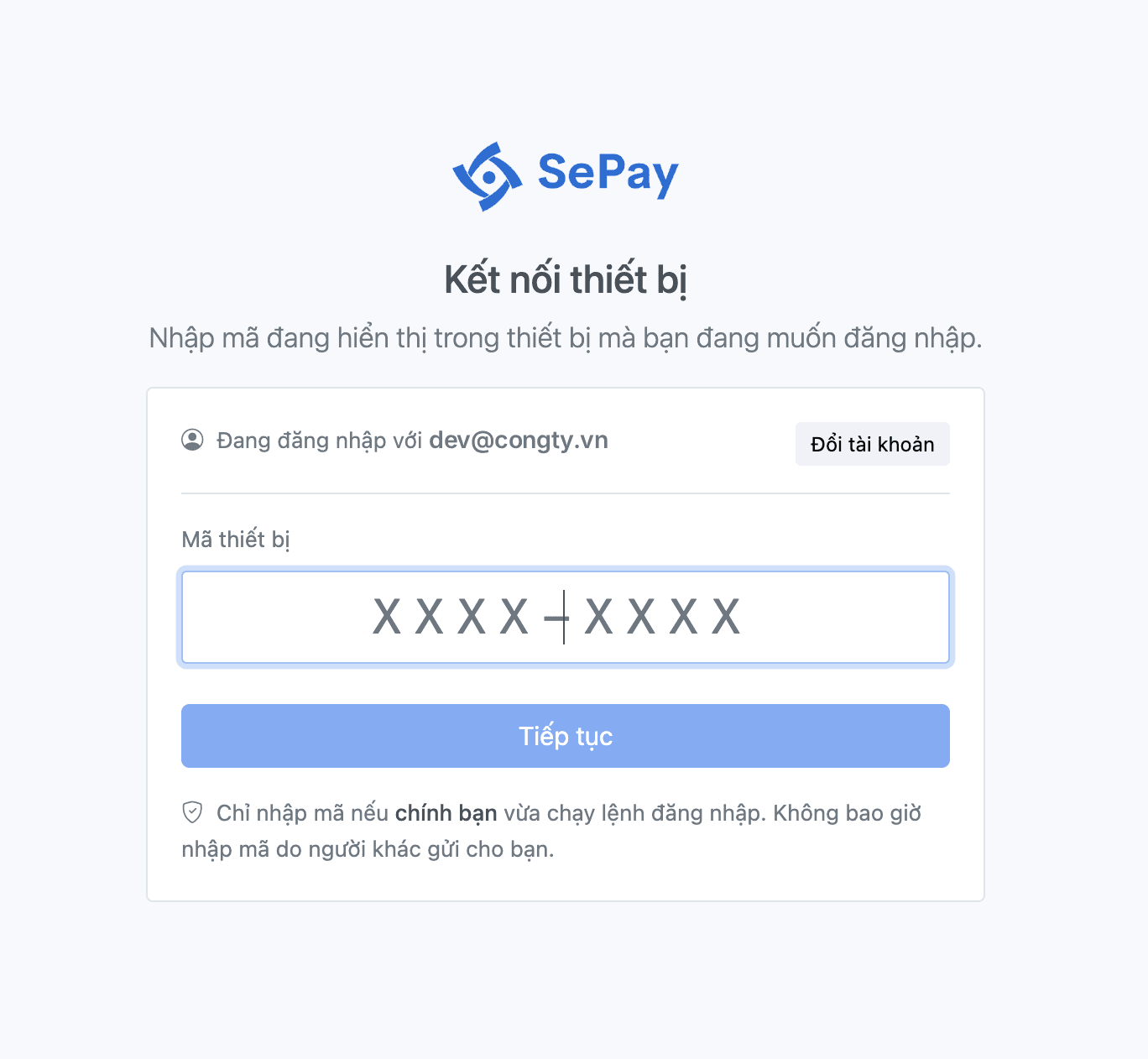
$ sepay loginOpen your browser to authenticate. Your code: WDJB-MJHTOpening https://my.sepay.vn/...✓ Logged in as dev@congty.vnadd another account with: sepay login --profile <name>The CLI prints a code (WDJB-MJHT in this example) and opens the device connection page on my.sepay.vn. Enter the code and select Tiếp tục (Continue). The ✓ Logged in as line appears once you're signed in.
2. Initialize the sandbox and a webhook
Create a sandbox bank account and a listen-only webhook:
$ sepay sandbox init --with-webhook-listen --yesenv: sandboxCreated bank account 832529c1-xxxx-xxxx-xxxx-fa163e2f7c98 (ACB).Created listen-only webhook 5f0e2a7b-xxxx-xxxx-xxxx-fa163e2f7c98.832529c1-xxxx-xxxx-xxxx-fa163e2f7c98The last line is the xid of the sandbox bank account; you'll need it in step 5. If you lose it, sepay bank-account list shows it again. Reuse this xid next time: running sandbox init again creates another account and another webhook.
3. Run a webhook handler
If your application is already running on your machine, skip this step and point --forward in step 4 at it. If not, use a minimal handler:
PHP
<?php// handler.phperror_log('Webhook received: ' . file_get_contents('php://input'));header('Content-Type: application/json');echo json_encode(['success' => true]);?>
Node.js
// handler.jsconst http = require('http');http.createServer((req, res) => {let body = '';req.on('data', chunk => { body += chunk; });req.on('end', () => {console.log('Webhook received:', body);res.writeHead(200, { 'Content-Type': 'application/json' });res.end(JSON.stringify({ success: true }));});}).listen(3000);
Start the handler in its own terminal and leave it running. With PHP:
$ php -S localhost:3000 handler.phpWith Node.js:
$ node handler.js4. Listen for webhooks and forward them to your handler
Open another terminal, then receive sandbox webhooks and forward them to the handler on port 3000:
$ sepay webhook listen --forward localhost:3000 --printenv: sandboxDelivering for: ACB · 0000000001 · NGUYEN VAN A (sandbox)Any other bank account of this company produces no events.✓ Listening for sandbox events → http://localhost:3000/ (Ctrl+C to stop · retries+enter to manage)5. Create a test transaction
In another terminal (not the one running your handler or webhook listen), simulate an incoming payment of 50,000 VND. Replace <bank-account-xid> with the account xid from step 2. The command prints the xid of the new transaction:
$ sepay sandbox simulate payment_in --bank-account <bank-account-xid> --amount 50000 --code DH1709env: sandboxSimulated payment_in event.a41c9e02-xxxx-xxxx-xxxx-fa163e2f7c98--code pre-fills the payment code in the webhook (how this differs from detecting the code in the transfer content).
6. Check the result
Switch to the terminal running sepay webhook listen. Each webhook gets one line, followed by the payload because of --print:
14:22:07 payment_in → http://localhost:3000/ 200 12ms txn=a41c9e02-xxxx-xxxx-xxxx-fa163e2f7c98 wh=5f0e2a7b-xxxx-xxxx-xxxx-3c9d81e04b6a { "accountNumber": "...", "accumulated": 0, "code": "DH1709", ... }200 is the HTTP status your handler returned, and txn= is the xid of the transaction you just created.
Common issues
For other exit codes, see Exit codes and error codes.