Test mode VAs come in two flavors: official VAs (SBSEPAY prefix + 12 characters) and memo-based VAs (3 characters). Which one you can create depends on the bank and account type. See the support table below.
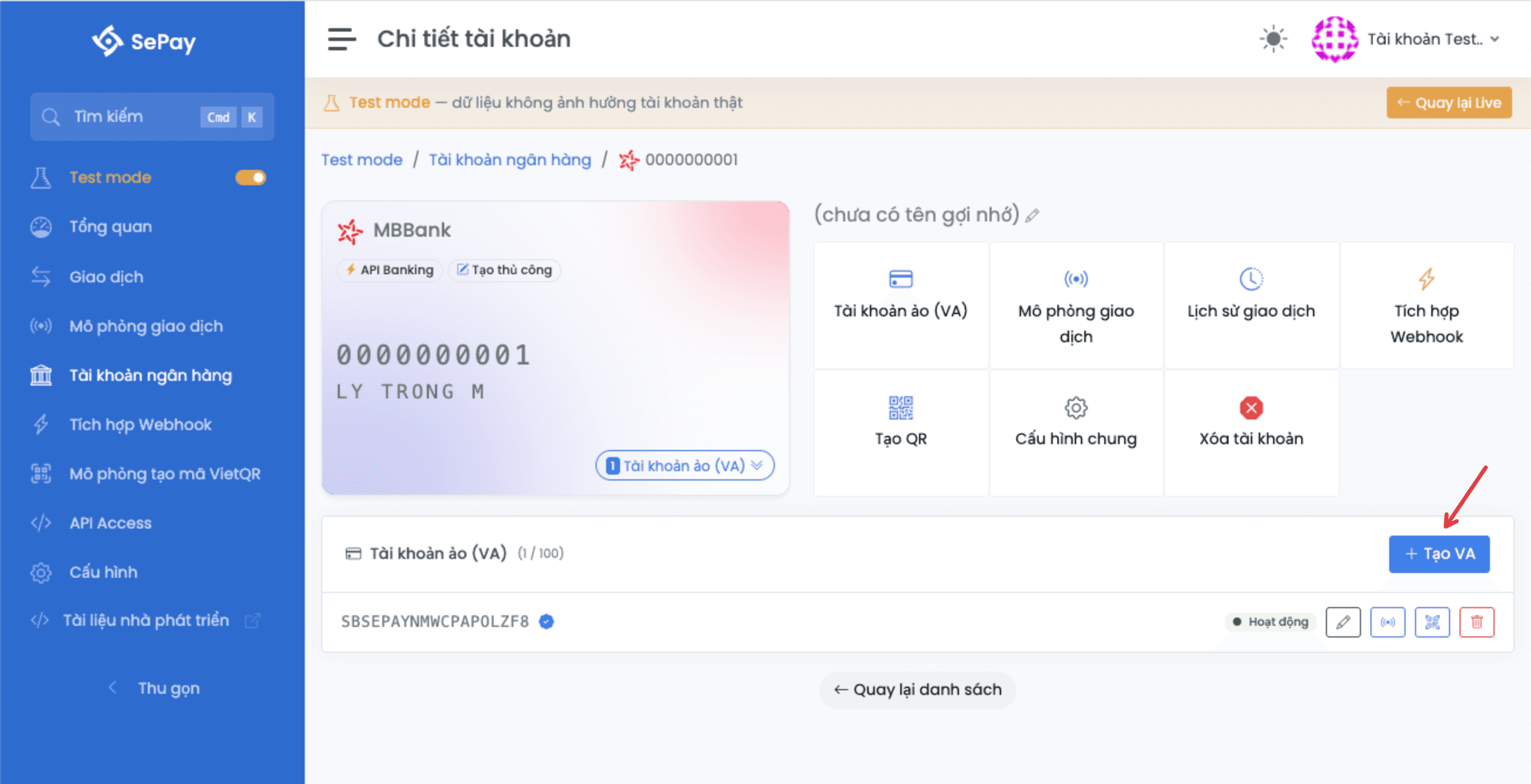
VAs can only be created on a newly-created account. Accounts replicated from Live are read-only.
Official VA
- VA number:
SBSEPAY+ 12 random characters (uppercase letters and digits) - Status: static, active
- Example:
SBSEPAYX9KA2B7MN4QR
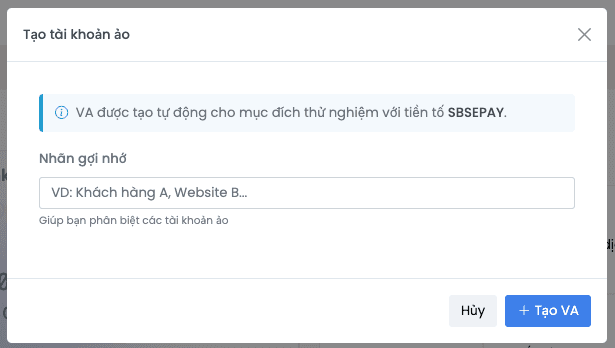
The SBSEPAY prefix applies to all banks in Test mode. The random suffix is unique within the company.
Banks supporting official VA: ACB, BIDV, MBBank, VPBank (individual and business household), VietinBank (enterprise), OCB, MSB, Sacombank (individual and business household), KienLongBank.
Memo-based VA
Memo-based VAs are 3-character strings (uppercase letters and digits). When a customer transfers money, the transfer memo must contain TKP + the VA code so SePay matches the VA correctly.
- VA number: 3 random characters
- Examples:
X9K,A2B,7MN
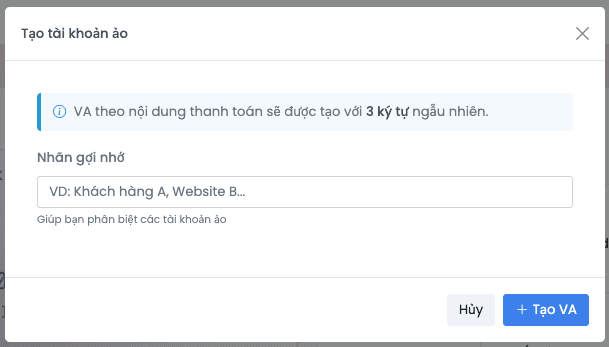
Memo-based VA applies only to: VietinBank individual and business household, VPBank enterprise, and TPBank for all account types. All other banks and account types use official VA.
VA support per bank in Test mode
| Bank | Account type | Official VA | Memo-based VA |
|---|---|---|---|
 ACB ACB | Individual, business household, enterprise | Yes | |
 BIDV BIDV | Individual, business household, enterprise | Yes | |
 MBBank MBBank | Individual, business household, enterprise | Yes | |
 VPBank VPBank | Individual, business household | Yes | |
| VPBank | Enterprise | Yes | |
 VietinBank VietinBank | Individual, business household | Yes | |
| VietinBank | Enterprise | Yes | |
 OCB OCB | Individual, business household, enterprise | Yes | |
 MSB MSB | Individual, business household, enterprise | Yes | |
 Sacombank Sacombank | Individual, business household | Yes | |
 TPBank TPBank | Individual, business household, enterprise | Yes | |
 KienLongBank KienLongBank | Individual, business household, enterprise | Yes |
Some Test mode VA operations like delete and toggle are permitted to ease testing, even when Live doesn't support them. The system displays a warning when you perform these, reminding you the feature is Test mode-only.
Next
- Bank account: create a manual account first so you can create VAs
- Simulate transaction: send a transaction to your new VA and check the
subAccountpayload field - Quotas: up to 100 VAs per bank account